
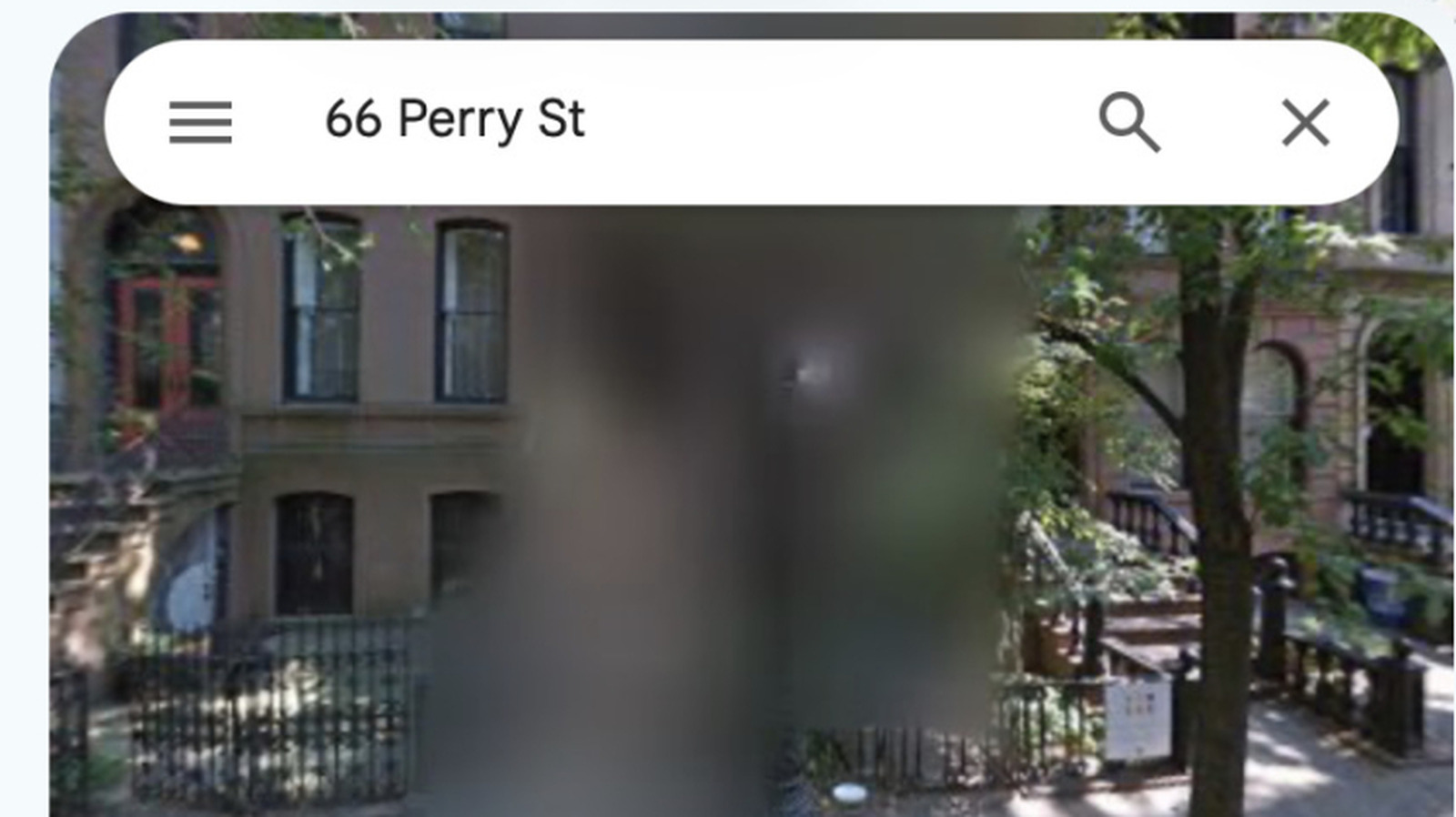
Google does not offer a way to undo the blurring of a location once it is applied. It's a permanent measure. That means that while blurring a property may help harden your security, it's not something you should do without thought. Not only does doing so prevent neighbors from exploring the entire street in Street View, but it also means potential future buyers and owners of the property will be unable to see the building.
There is also the counterintuitive argument that burglars studying an area for potential targets may see a blurred property as an attractive target, because that blurring suggests there may be something or someone valuable inside it.
How to blur locations on other mapping services
Wherever you stand on the blur or not to blur argument, it is important to recognize that blurring a property on Google Maps Street View does not blur that location on any other mapping services. To blur a property on Apple Maps, you should write to MapsImageCollection@apple.com including your name, address, and request details. Other mapping services, including Baidu Maps, Mapillary, and Karta View, may offer some form of street-level imaging service in your region. These may enable the blurring of specific locations on request. Microsoft removed its Streetside imagery from Bing Maps as part of its transition to Azure Maps.