
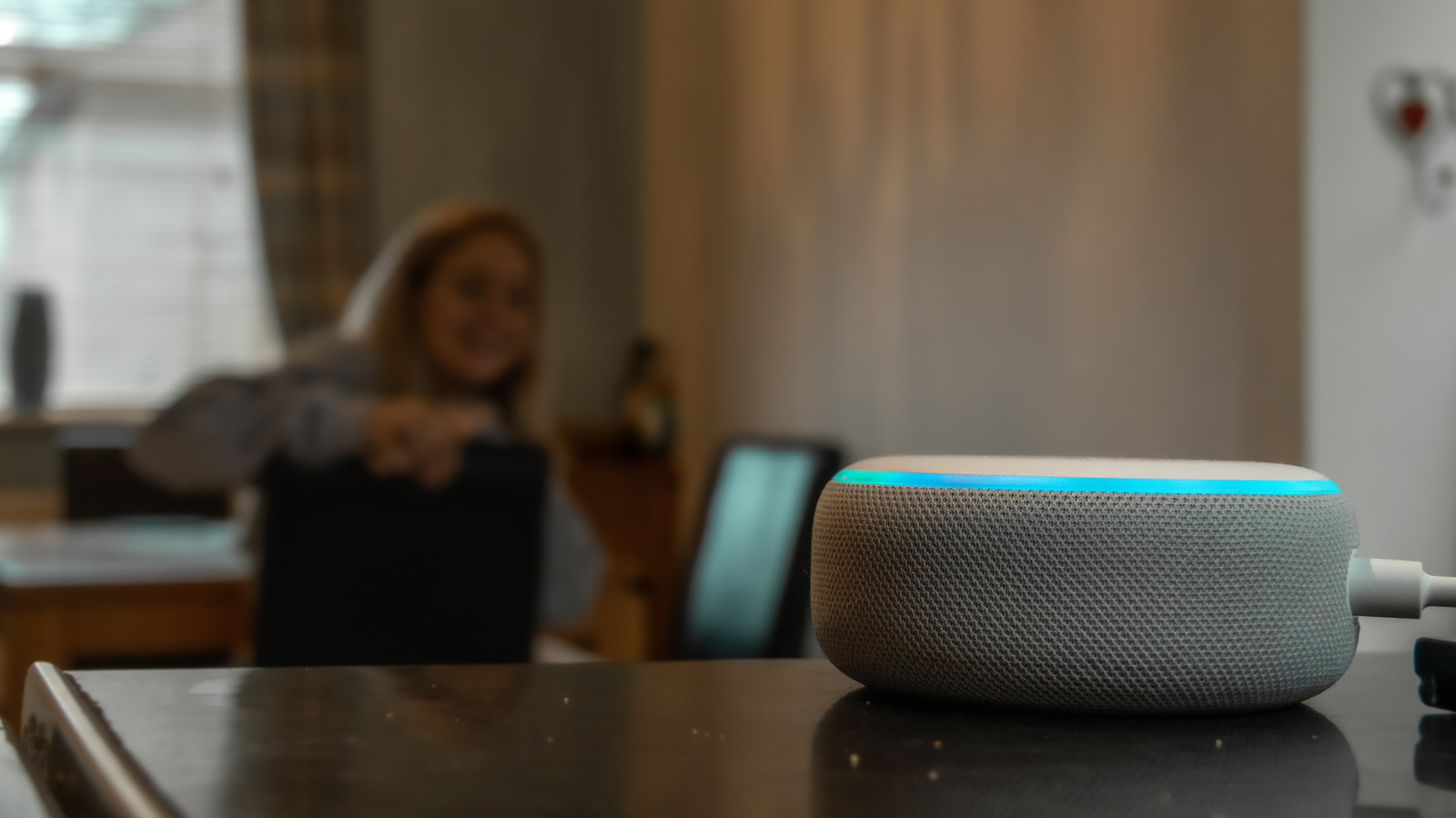
Of course, the most straightforward way to eliminate any eavesdropping Alexa concerns is to simply mute your device's microphone. For most Alexa devices made by Amazon (the Echo lineup), the button to do so is located on the top of the device and looks like a microphone with a slash through it. Once you press it, you'll know the microphone is muted by the red light displayed on the Echo device. It's a bit antithetical to how the device is designed to be used, but if you don't mind manually turning the microphone on and off each time you want to ask Alexa something, it's an easy fix for privacy concerns.
If you still want to be able to call out to Alexa without fiddling with a button each time, you can adjust your recording settings for extra data protection. To do so:
-
Open the Alexa app.
-
Tap the three lines, then select Alexa Privacy.
-
Select Manage Your Alexa Data.
-
Select Voice Recordings and Transcripts.
From here, you'll have four options: saving them for three or 18 months, saving until you delete them or not retaining them at all. On the Alexa data screen, you can also toggle how other data is saved (or not), like smart home device and detected sounds histories. With some devices, you can also toggle on this screen whether to allow deletion by voice, so that you can say things like, "Alexa, delete everything I said today," or, "Delete my entire voice history." However, this doesn't work with devices running Alexa+ or Amazon Kids.
Keep in mind that these settings only work for the Amazon cloud itself. If you use Alexa with third-party devices like robotic vacuums or smart TVs, those companies may still have access to your history after deletion. Deleting your voice recordings can also impact how well Alexa is able to personalize its responses to you, as it makes the device unable to maintain a voice profile for you — if that doesn't bother you, then delete away.