
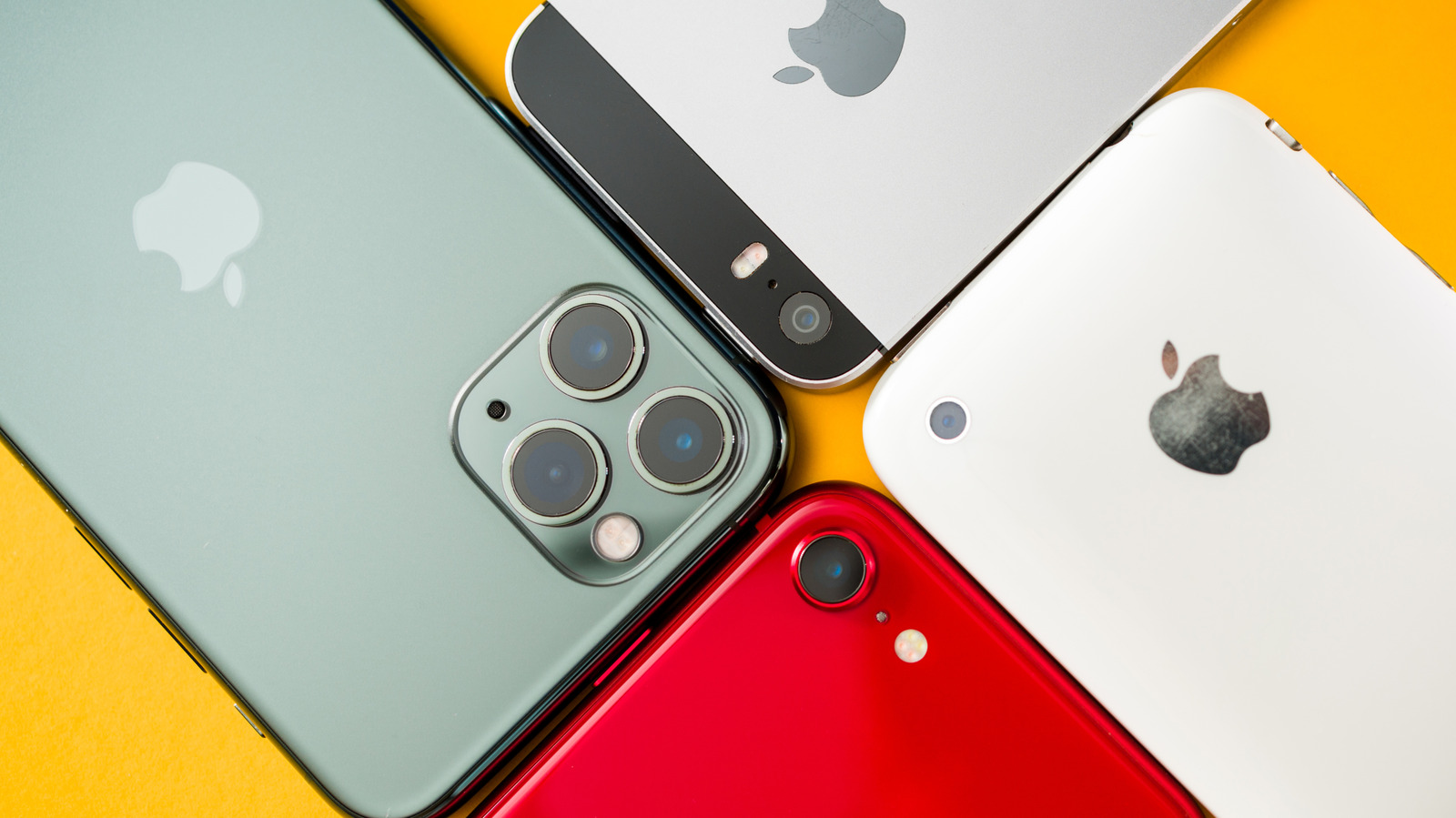
If nothing else has helped, a clean restore may be your last resort before buying a new phone. After using the same device for years, it tends to get cluttered with a lot of temporary files like updates, leftover files and app data. When you have years' worth of these files stored on your device, they can also cause your iPhone to run slower. In that case, restoring your iPhone may breathe new life into it.
First, fully back up your iPhone to iCloud, or to your Mac or PC. Once all your data is safely stored, go to the Settings app, then General, and choose Transfer or Reset iPhone. Select the Erase All Content and Settings option and walk through to confirm the steps — your phone will restart as if it were brand new. You can restore your backup as part of the setup process to get all your apps and settings back, but setting up the device as new may be more effective in improving performance.