
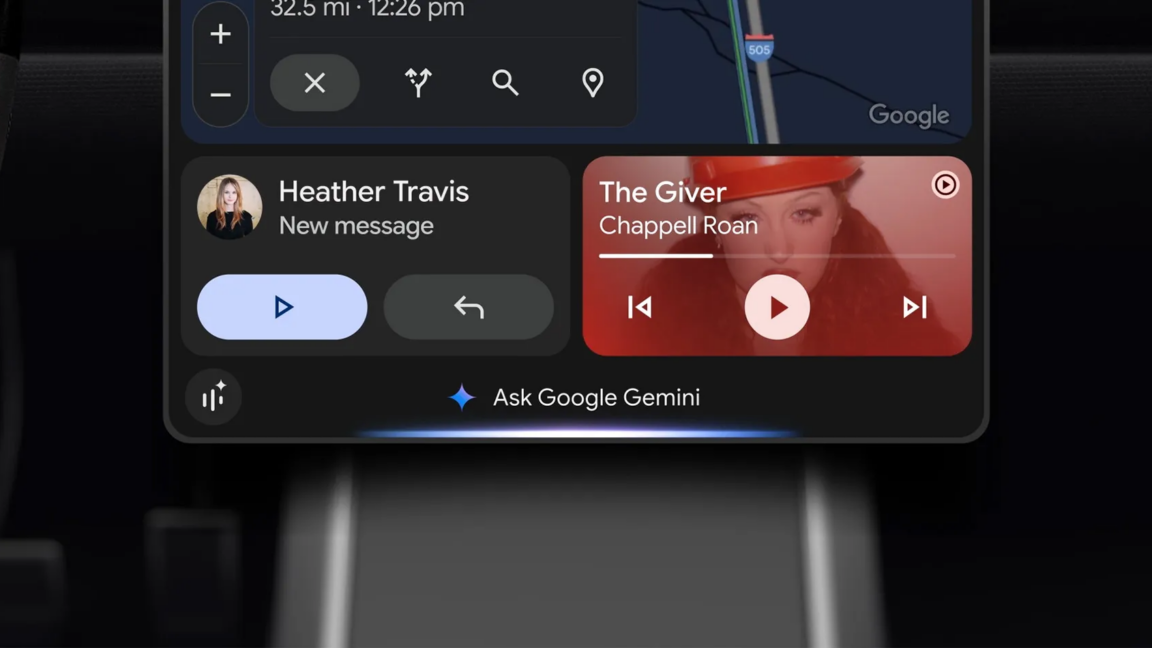
Google kicked off 2026 with the addition of Personal Intelligence to Gemini, allowing its AI to pull in more of your data to formulate answers. It started as a paid feature but eventually came to all Gemini users. However, this feature wasn’t available in the car until now. Google is rolling out Personal Intelligence to Android Auto and Google Built-in, and it is still, thankfully, an optional feature.
As Google points out, a generative AI’s outputs are better “when it knows the world and knows you,” which is correct in an uncomfortable sort of way. The more context you can provide to a model, the better the output will be at the end of the token shuffle. Since Google has so much of your data already, it sees Personal Intelligence as a differentiator versus other AI systems. You don’t have to provide the AI context because it already has it from apps like Gmail and Calendar.
Personal Intelligence is beginning its rollout in Android Auto today, and it will come to vehicles with Google built-in in the next few months. As an aside, “Google built-in” is questionable branding, but it refers to cars that run Google software in the infotainment system rather than projecting an interface from your phone. Very few vehicles have Google built-in, but Google often releases new car features on them first. This time, it’s the other way around.
Google says Personal Intelligence is a natural fit for the car, allowing you to focus on the road instead of providing detailed instructions to your digital assistant. For example, you can say “take me to my doctor’s appointment,” and Gemini can get that data from your connected calendar. It can also leverage visual analysis to find locations in your photos to begin navigation.
Personal Intelligence is off by default, but it’s possible you’ve turned it on at some point while interacting with Gemini, which has now replaced Assistant on all devices. Google has a habit of nudging users to opt in to data sharing in Gemini, so you may not even realize you’re sharing account data with Gemini, and those settings will transfer over to Android Auto. For Google built-in vehicles, you only get personal results if you’ve connected a device over Bluetooth. You will be able to turn this off via in-car settings even if your phone has Personal Intelligence enabled.
There may be other people interacting with the screen in your car, so perhaps you don’t want more of your account data informing replies. The Personal Intelligence options are just one level deep in the Gemini app’s settings. You’re looking for the “Connected Apps” section, where you can toggle Workspace (Gmail, Calendar, etc.), Search, Photos, and more.
While Google says it doesn’t use your personal data to train Gemini, it does use your inputs and outputs while using the AI. Some of those outputs can have personal information when you have these services connected, and while the company does attempt to filter that out, it won’t make any promises. The rollout of Personal Intelligence in your car is probably a good opportunity to check your data-sharing settings and make sure you’re comfortable with them.
Updated 10/20 at 6PM ET with more details on Google built-in vehicle settings.