
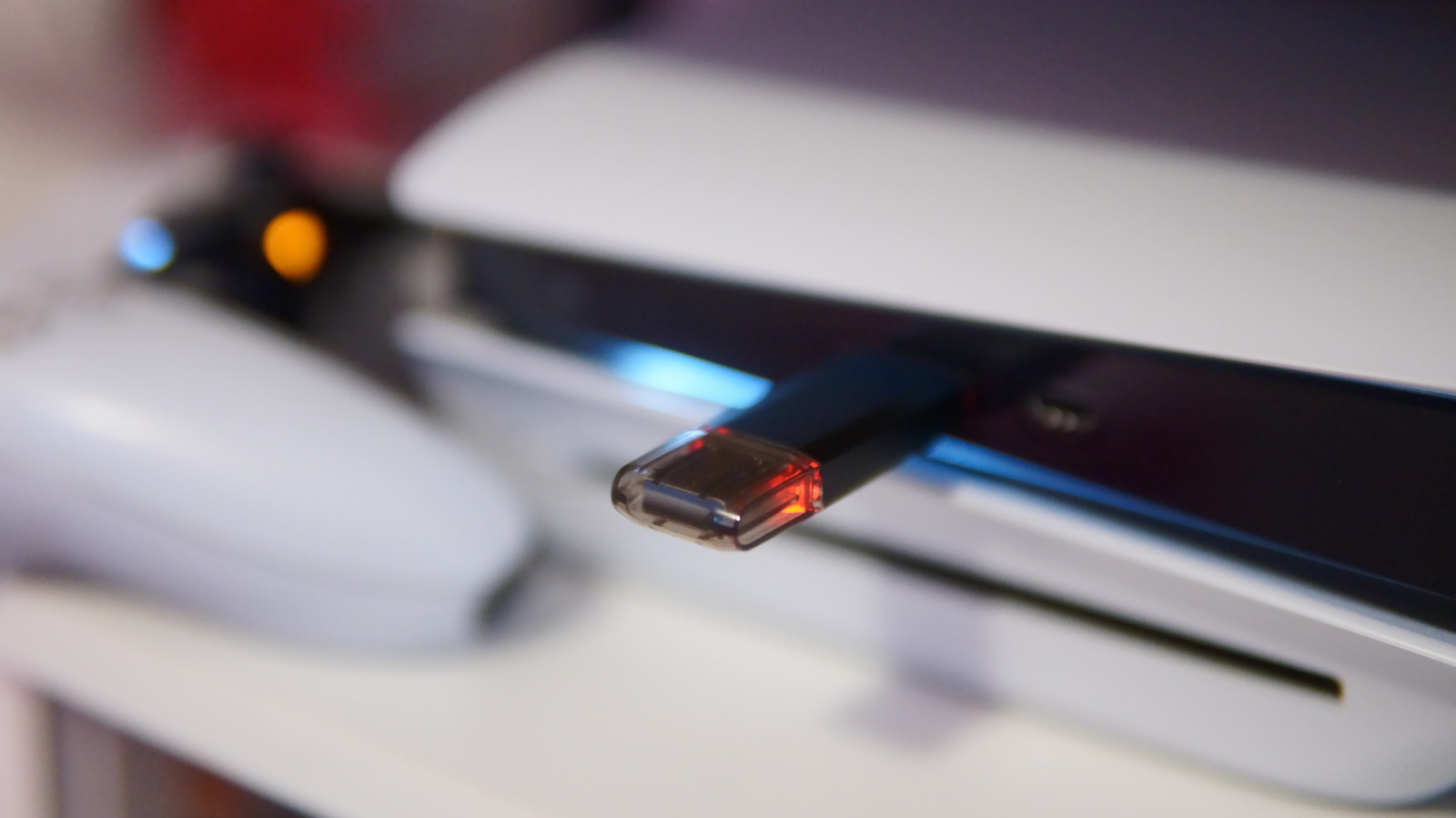
If you don't have a PlayStation Plus subscription or want an extra copy of your PS5 data, you can back it up to a USB drive. After connecting a FAT32- or exFAT-formatted drive (it can't be one set up for storing games), go to Settings > System > System Software > Back Up and Restore > Back Up Your PS5. Choose what you want to back up, then proceed through the process to do so.
Note that this doesn't back up some data (trophies and M.2 storage are excluded). Importantly, it's all-or-nothing; you can't choose individual games to back up, and the Restore Your PS5 option requires you to reset your system. You're able to back up individual PS4 game save data to a USB drive under Settings > Saved Data and Game/App Settings > Saved Data (PS4).
If you're so inclined, the PS5 also supports video playback from a USB drive, though you'll need to follow Sony's instructions for correct formatting and folder naming. In case you need to connect more USB devices to your PS5, a USB hub is a possibility, though not all devices will work with a hub. And if you need to capture more footage (without streaming) than the built-in tools offer, hooking up a capture card to your PS5 is also an option.
If you have any other random USB devices, plug them into your PS5 and see if they work. At worst, you'll see a "not compatible" message, or nothing will happen. Don't forget about other great PS5 accessories, too.