
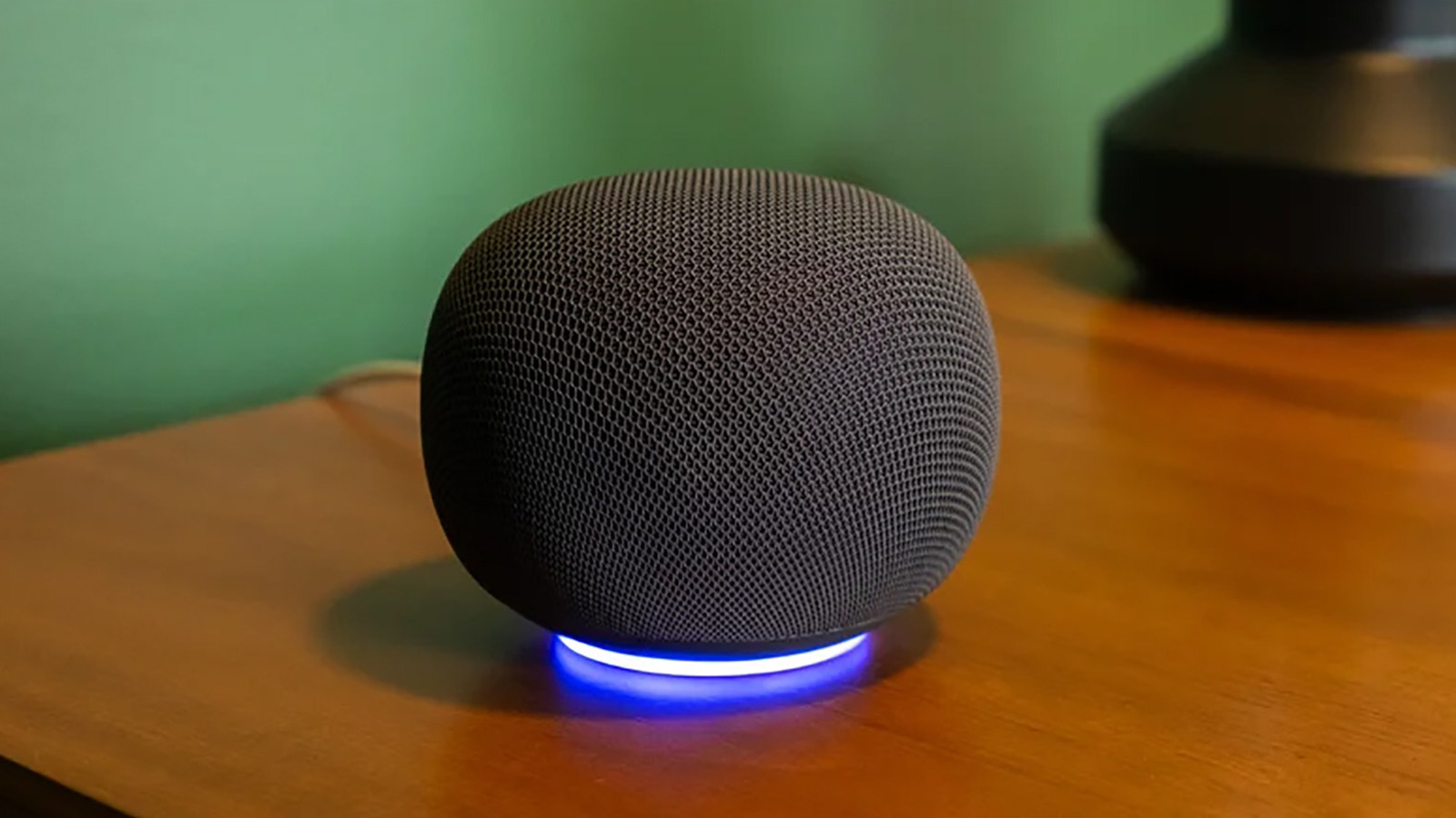
To get personal results to work for everyone in the family, everyone needs to go through setting up Voice Match. It works for up to six people, and each person needs to link their Google account to the device individually and turn on Voice Match using the steps noted above. From here, the Google Home will be able to determine who is speaking and provide personalized responses to their queries by recognizing and distinguishing among voices.
Personal results combined with Voice Match allows everyone to walk by, ask a question, and get a response that's unique to them. A teen might be reminded that he has a math test today, while Mom can call up her notes with a reminder to pick up a case of water for the soccer game tonight. Dad might ask for the score for his favorite team while Grandma wants to play her favorite music playlist while making dinner. It's a useful feature to use whether you're personalizing results for you and you alone or for everyone to have their own personal assistant.