
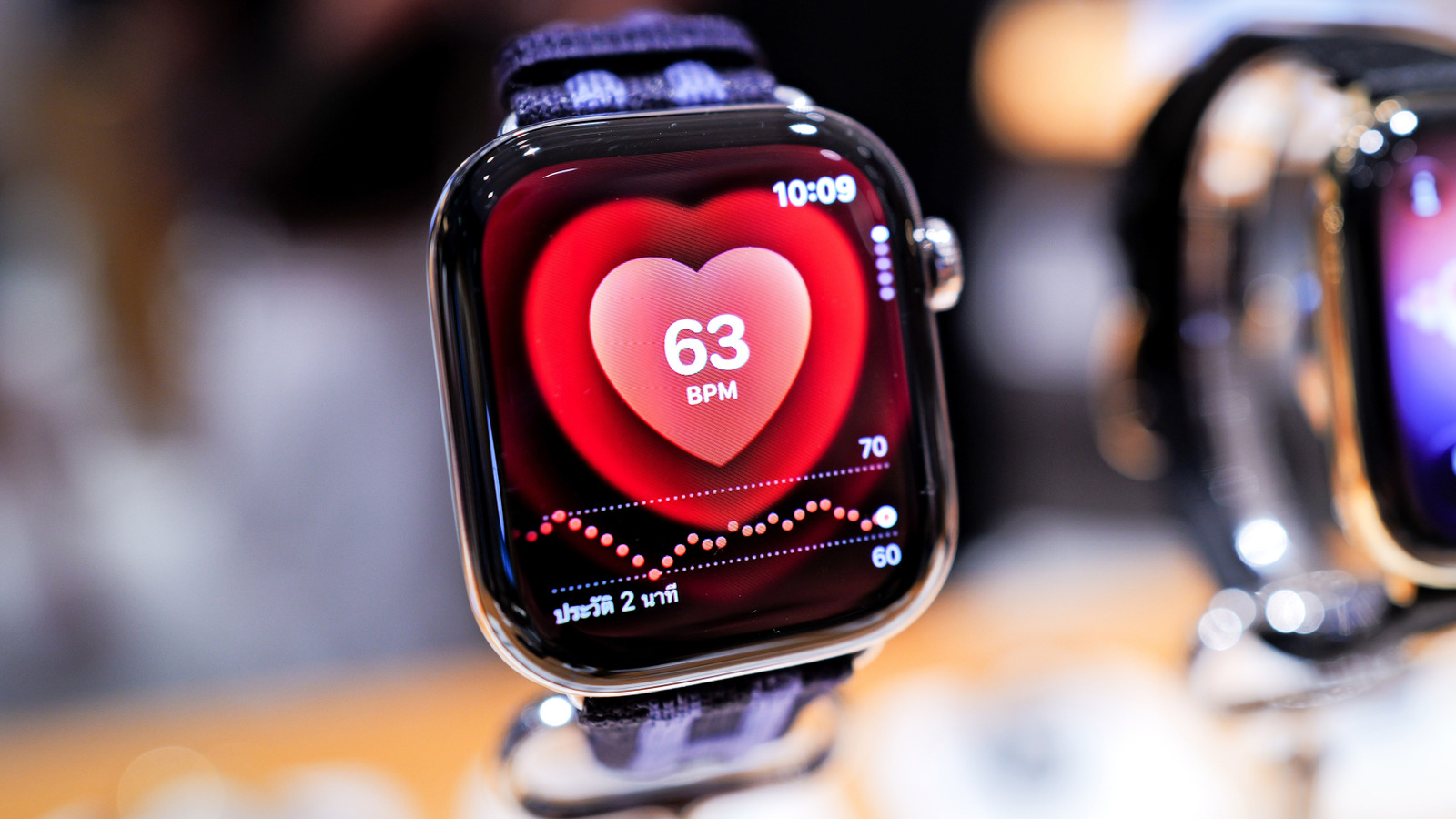
Apple believes everyone should be able to use its technology and includes accessibility features in its products for no extra charge. That commitment extends to the Apple Watch, which is packed with tools to help people live independent lives.
Hearing loss becomes more common with age, with Achieve claiming one in four US adults in their sixties suffer from it. Apple's Sound Recognition tool helps by using the Apple Watch and iPhone to listen for specific sounds, such as doorbells, sirens or fire alarms.
Enable Sound Recognition in Accessibility Settings on your iPhone. Tap Sound & Name Recognition > Sound Recognition, toggle to On and choose the sounds you want it to recognize.
Apple has also figured out how to make Apple Watch more usable by those who are visually impaired. Press the side button to open Control Center, tap the AA icon and turn the Digital Crown to adjust font size to make it easier to read. If you want more information on any of these features, Apple provides an extensive explanation here.