
A laptop GPU begins with less raw hardware, but it doesn't have to deal with most of this plumbing. It operates within the laptop's cooling and power constraints, doesn't have to send rendered frames back over an external cable, and remains in the laptop when you pick it up. The portability benefit is more like a suggestion with a traditional desktop-card eGPU. You now have an enclosure, a desktop GPU, and maybe an ATX power supply on the desk, while a big card can add size and noise to the mix.
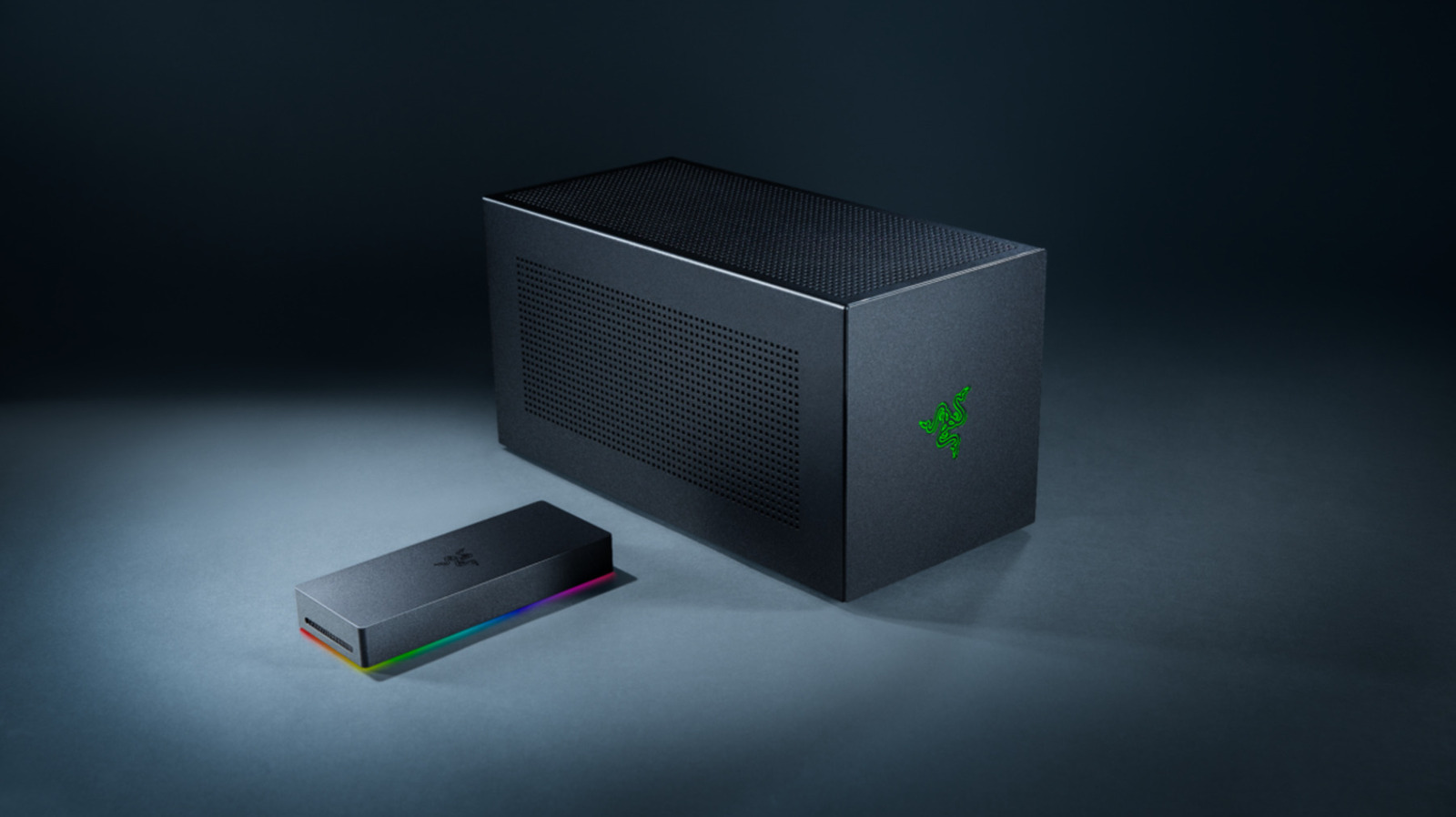
Let's not forget to talk about the cost associated with eGPUs. As an example, Razer's Thunderbolt 5 Core X V2 supports full-size NVIDIA and AMD desktop cards up to four slots wide. The enclosure also has its own 120mm cooling fan, but it doesn't come with a GPU or even the necessary ATX power supply to keep it running. Those would be added expenses on top of approximately $350 for the enclosure itself.
That math gets considerably friendlier if you have a suitable GPU sitting around after a desktop upgrade. At that point, the enclosure could significantly upgrade your laptop without buying another computer. It's more difficult to justify purchasing a high-end desktop card specifically for an eGPU, especially since you're paying for all that power and then sending it through a cable that might not allow you to use it all.