
Upgrading to Wi-Fi 7 may help, but be warned that it's not a magic bullet. It's still possible for a band to become overloaded. To truly take advantage of Wi-Fi 7's features — such as "preamble puncturing," which allows a channel coping with interference to be carved out for its remaining bandwidth — both your router and connecting devices need to support it. Chances are, most of the devices you own are still limited to Wi-Fi 6 or 6E.
With or without Wi-Fi 7, it may help to steer as many devices as possible over to 5 or 6GHz if your router allows the creation of separate band logins. It's a win-win. While those bands have shorter range than 2.4GHz, they offer both less congestion and faster connection speeds for the devices that support them.
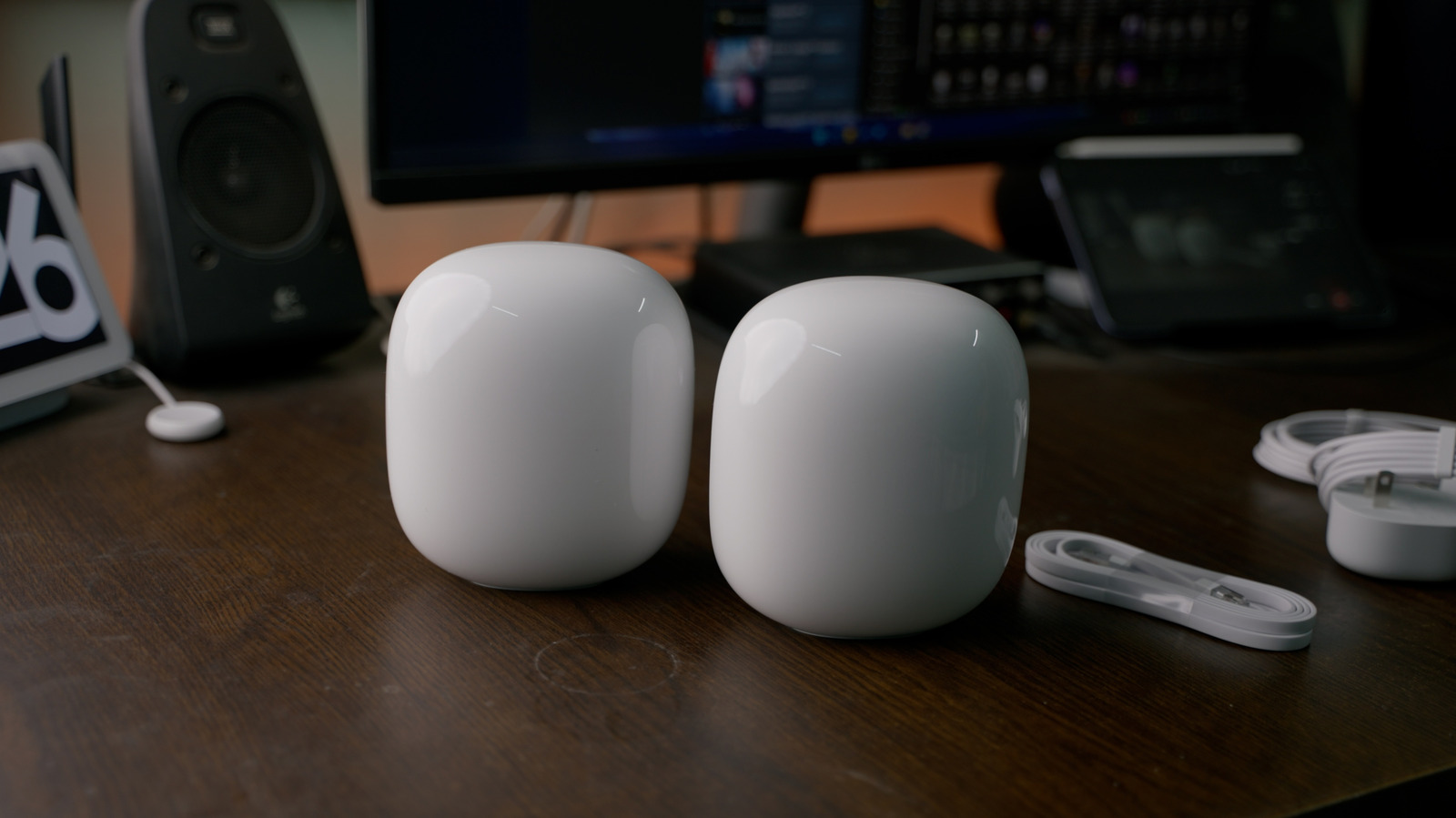
That's not an option on mesh routers, however, so you may need to resort to other tactics, such as using your router's app controls to pause unnecessary devices when a particular upload or download is crucial. In the long term, you should consider migrating as many smart home accessories as possible over to hub-based setups, particularly light bulbs. While standalone Wi-Fi bulbs are cheap and easy to set up, each one has to compete for available channels. Conversely, a hub can link dozens of products via protocols like Thread or Zigbee while only demanding a single Wi-Fi connection.