
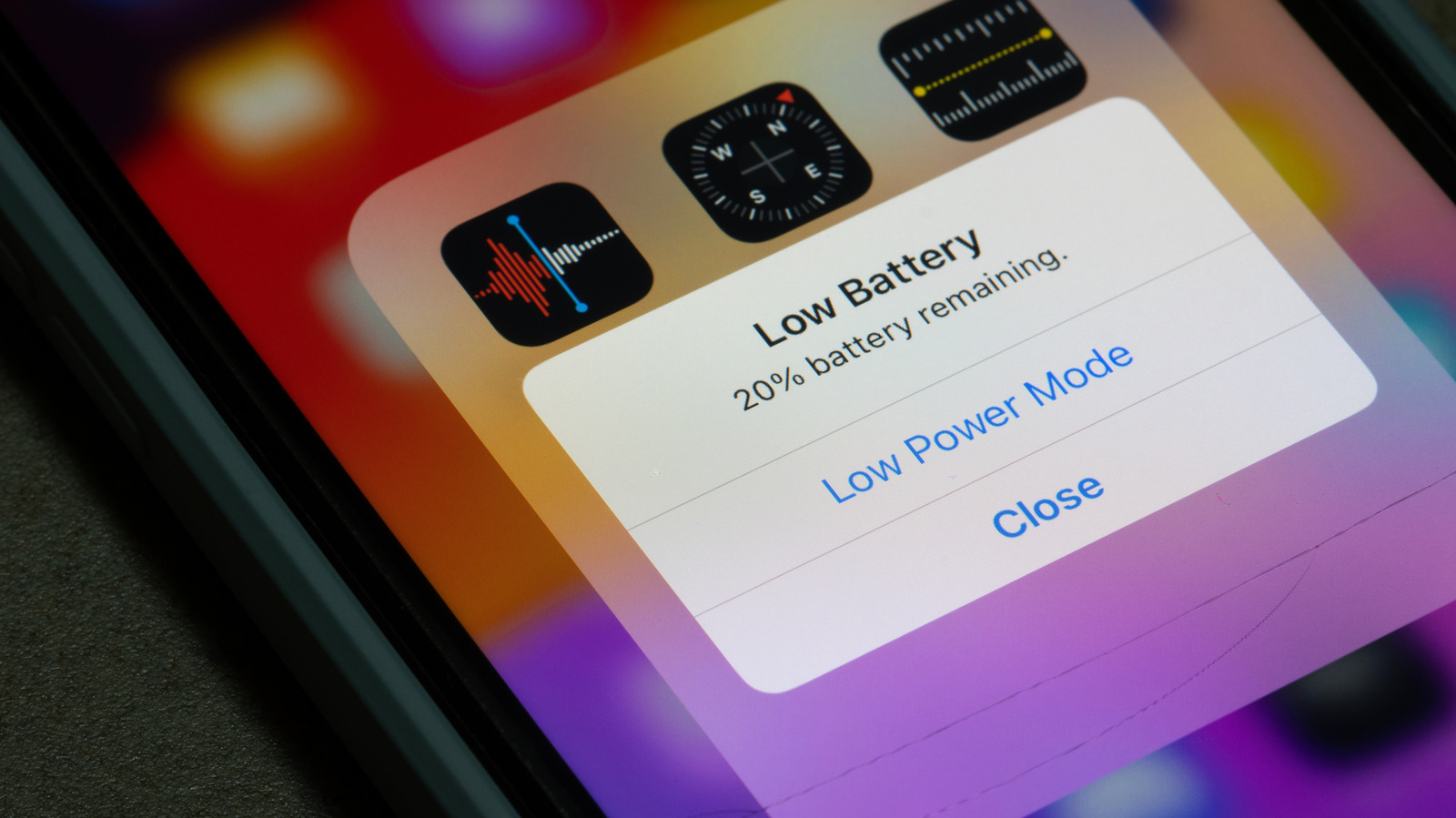
Start by closing apps running in the background to see if your battery usage returns to normal. It's also worth taking a look at your privacy settings and limiting access to your location to only when you have an app open. This prevents your phone from constantly triggering the GPS. That alone should have a significant impact on reducing battery consumption. Also, check your phone's battery settings to see exactly which apps are draining your battery the most — both iOS and Android provide details on this.
Pixel 6 and later models have a Battery Diagnostics tool under Settings. On a Samsung Galaxy, open Settings, then Battery and tap View Details. For iPhone users, it's as simple as going to Settings and opening the Battery menu. These menus usually include details about your phone's battery health. Apple, for example, says that the latest iPhones are designed to retain 80 percent of their original battery capacity through up to 1,000 charge cycles. If your phone's battery health is below 80 percent, you should probably replace it with a new one — which, at least, is much cheaper than buying a new phone.