
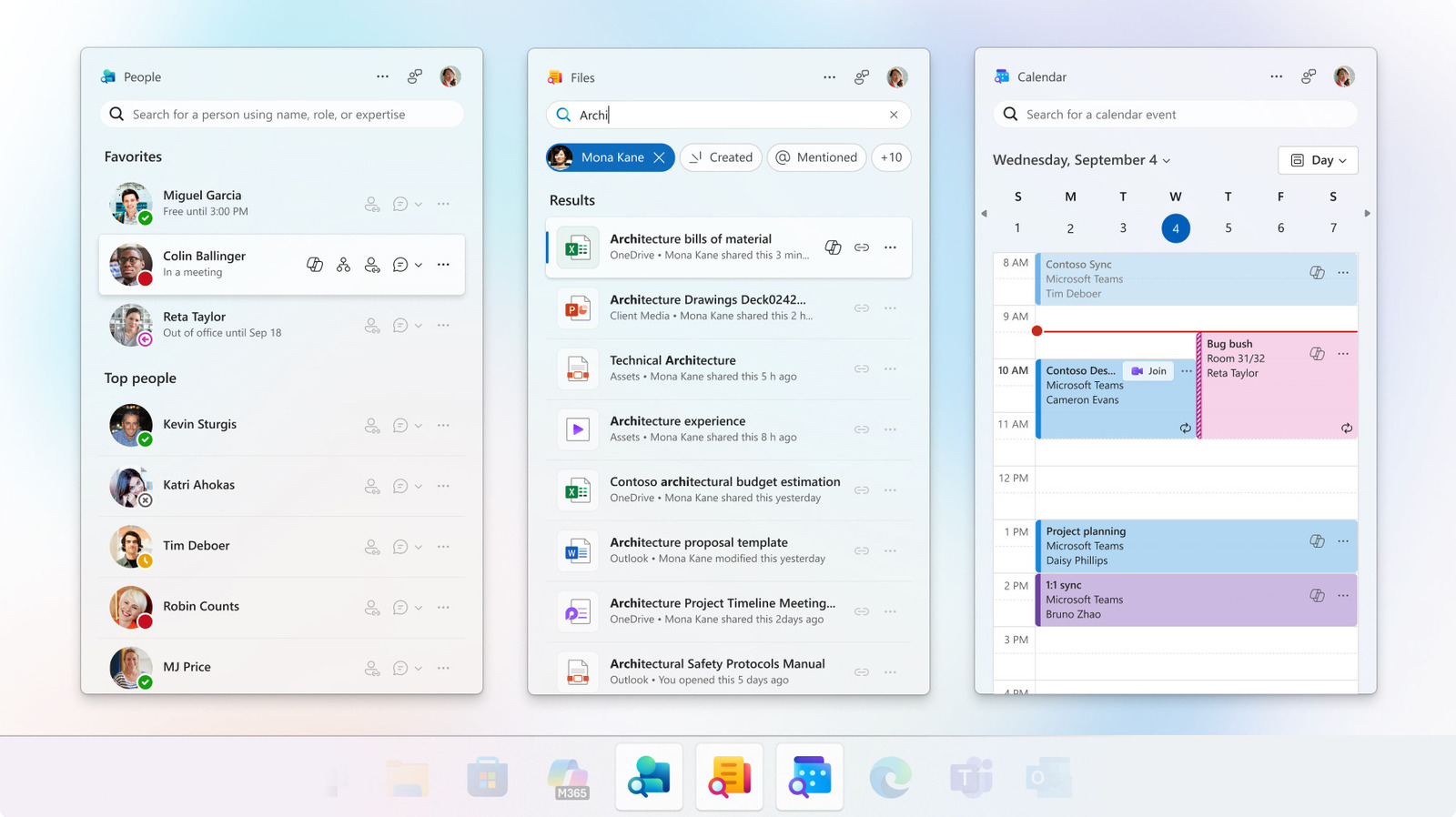
If your Windows computer is being managed by your employer, your IT admin will likely remove the retired apps from your device on your behalf. Otherwise, go to Windows Settings > Apps > Installed Apps, then search "Microsoft 365 companions," click on the three dots and then select "Uninstall" to remove them.
Because these companion apps rely on data from SharePoint Online and Exchange Online, part of the 365 cloud, you don't have to worry about losing anything when they're uninstalled. Microsoft's support page confirms that this data is kept in your Microsoft 365 services files, not within the companion app files.
Removing apps you don't use, including retired ones, is a best practice for optimizing device security, storage and performance. If you want to take things one step further, there are other things you can do to improve your Windows 11 experience, too.