
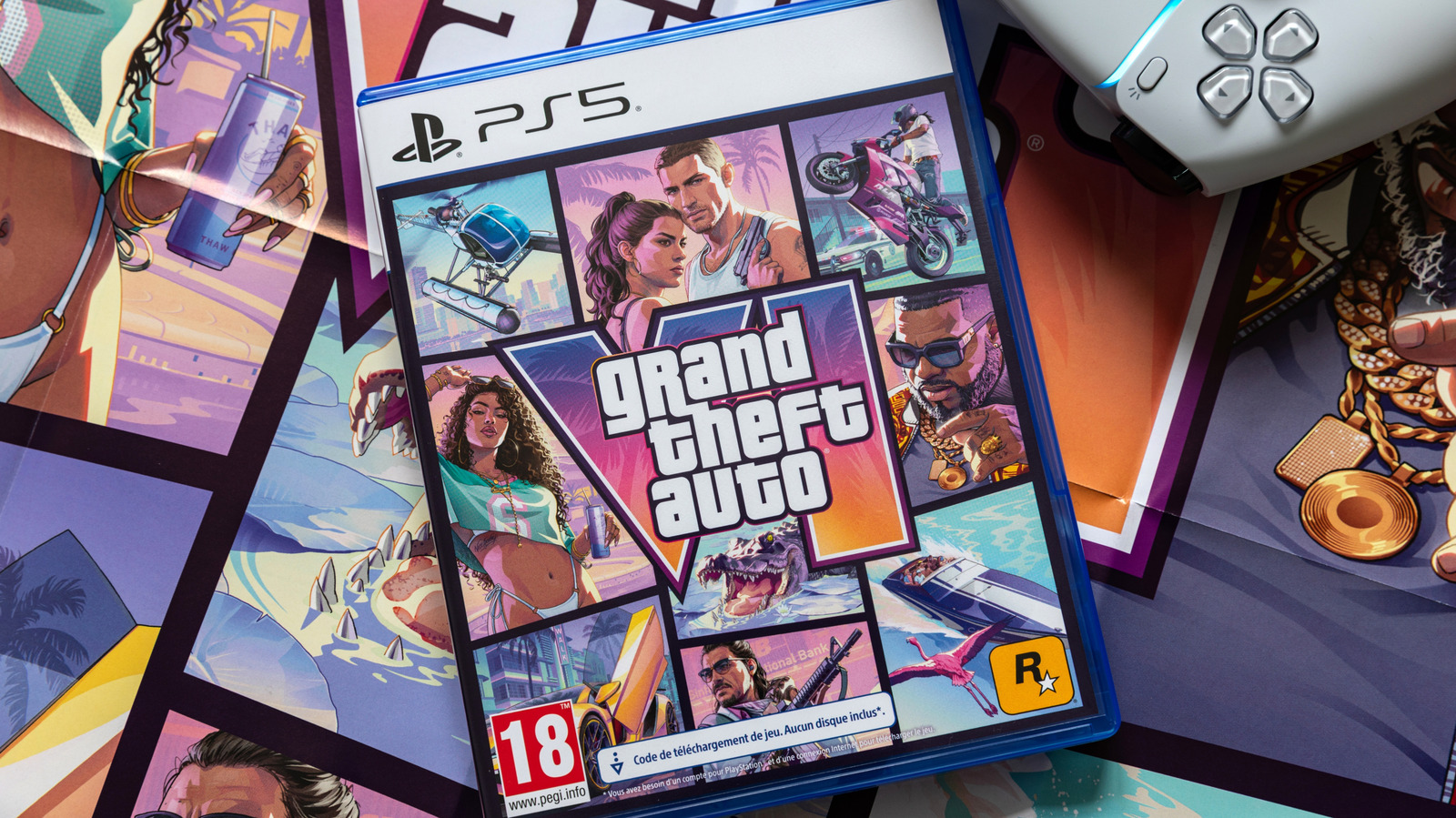
Grand Theft Auto 6's auto-save feature may not work as you think. Instead of automatically saving at regular intervals, the game appears to save after every main mission, as well as after some major side missions, expensive purchases, or when you get killed or arrested. That means if you're roaming the map, getting into trouble or driving around, the game relies on you to save manually. Unfortunately, the auto-save icon (a white spinning circle) doesn't always show up when the game saves.
GTA 6 has one auto-save slot, which it overwrites each time, and 15 manual slots. To manually save, press the Options button on PS5 or the Menu button on Xbox, then go to the Game tab and choose Save Game.
The unusual auto-save system has caused several people to lose hours of progress, although in the bigger picture of a game that's sold in the millions, it's thankfully not too widespread. One save tip from our editors playing through the game: GTA 6 doesn't auto-save in the middle of a mission, period.
If you're cruising the streets of Vice City and worry about a power outage, or if you're someone who turns the console off without thinking, remember to save manually. The same goes when you strike it big and get your hands on the ride of your dreams or clear one of the countless side missions: Save regularly to keep your GTA 6 journey going and your sanity intact.