
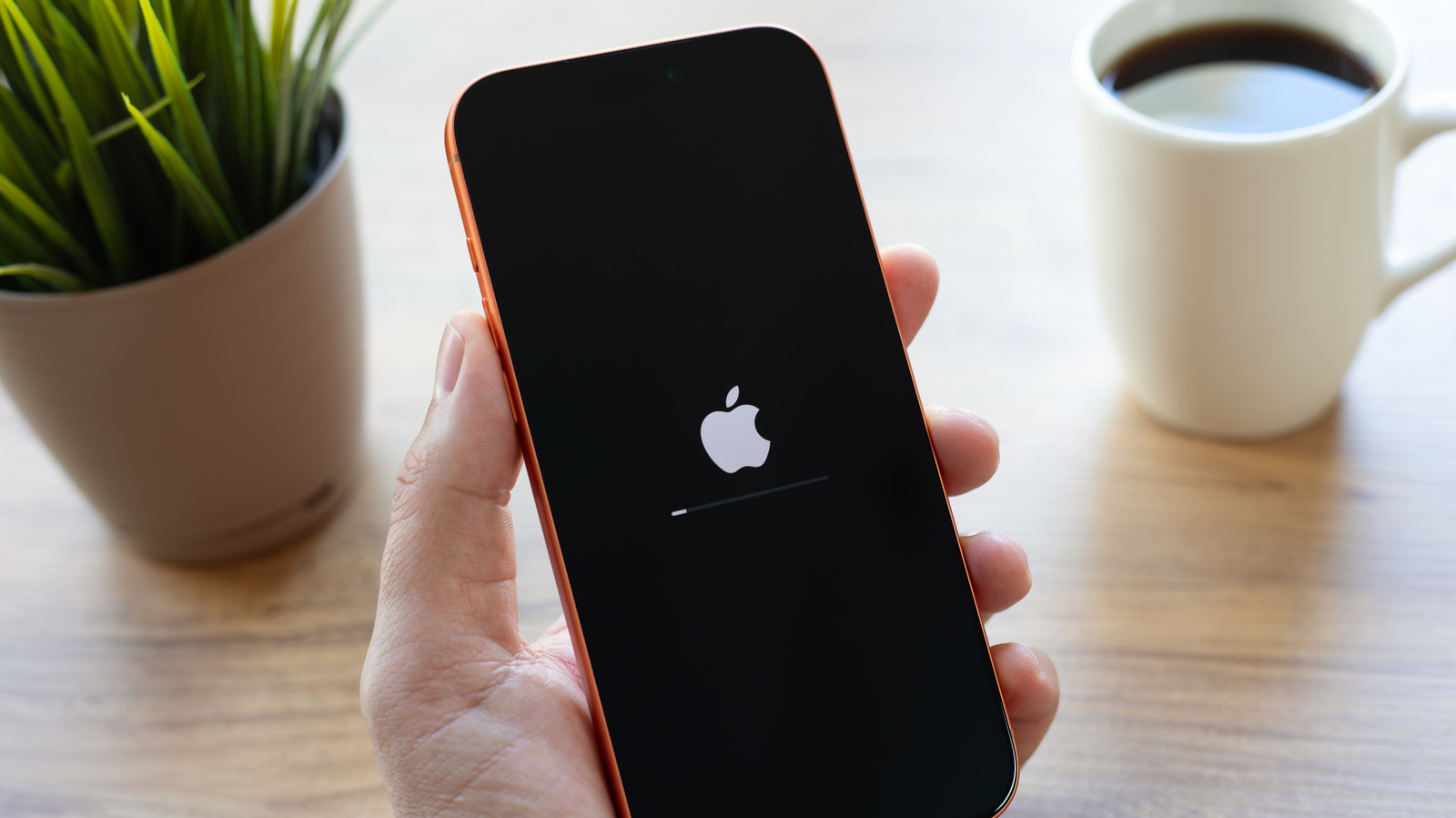
To prevent software-based shutdowns, it's important to keep iOS and your apps up-to-date. Glitches may still happen, but generally, keeping everything on the latest version reduces the odds of a hiccup. Check for iOS updates through Settings > General > Software Update, and apps by opening the App Store, tapping your profile icon and selecting App Updates. Swipe down to refresh the App Updates view.
As for heat shutdowns, your major concern should be keeping your iPhone out of prolonged sun exposure. It's a bad idea to mount it in your window if you're on a long summer road trip, for example. You may also want to avoid running high-demand activities for hours at a time, like 4K video recording or graphically heavy gaming. During the winter, make sure your iPhone gets a chance to return to room temperatures regularly.
To size up battery health, head over to Settings > Battery > Battery Health. If it's reported at 80 percent or higher, you're probably fine. The further you dip below that threshold, however, the more likely you are to run into problems. If you can't get your iPhone to turn back on without plugging it in first, it's definitely time to schedule a battery replacement or buy a new iPhone.
Make sure you aren't running your device at extremely low free space, as that can cause performance issues. Visit Settings > General > iPhone Storage to check how much you have. If you're running with less than a few gigabytes to spare, make room on your iPhone. And if your iPhone has recently suffered physical damage, that could be the source.
If you've ruled out the above concerns, book an appointment at an Apple Store or authorized service center. There's likely internal damage or a defect, and while Apple does offer self-service repair, there's no easy way of diagnosing what's broken — let alone fixing it — unless it's blindingly obvious that a specific hardware feature is involved.