
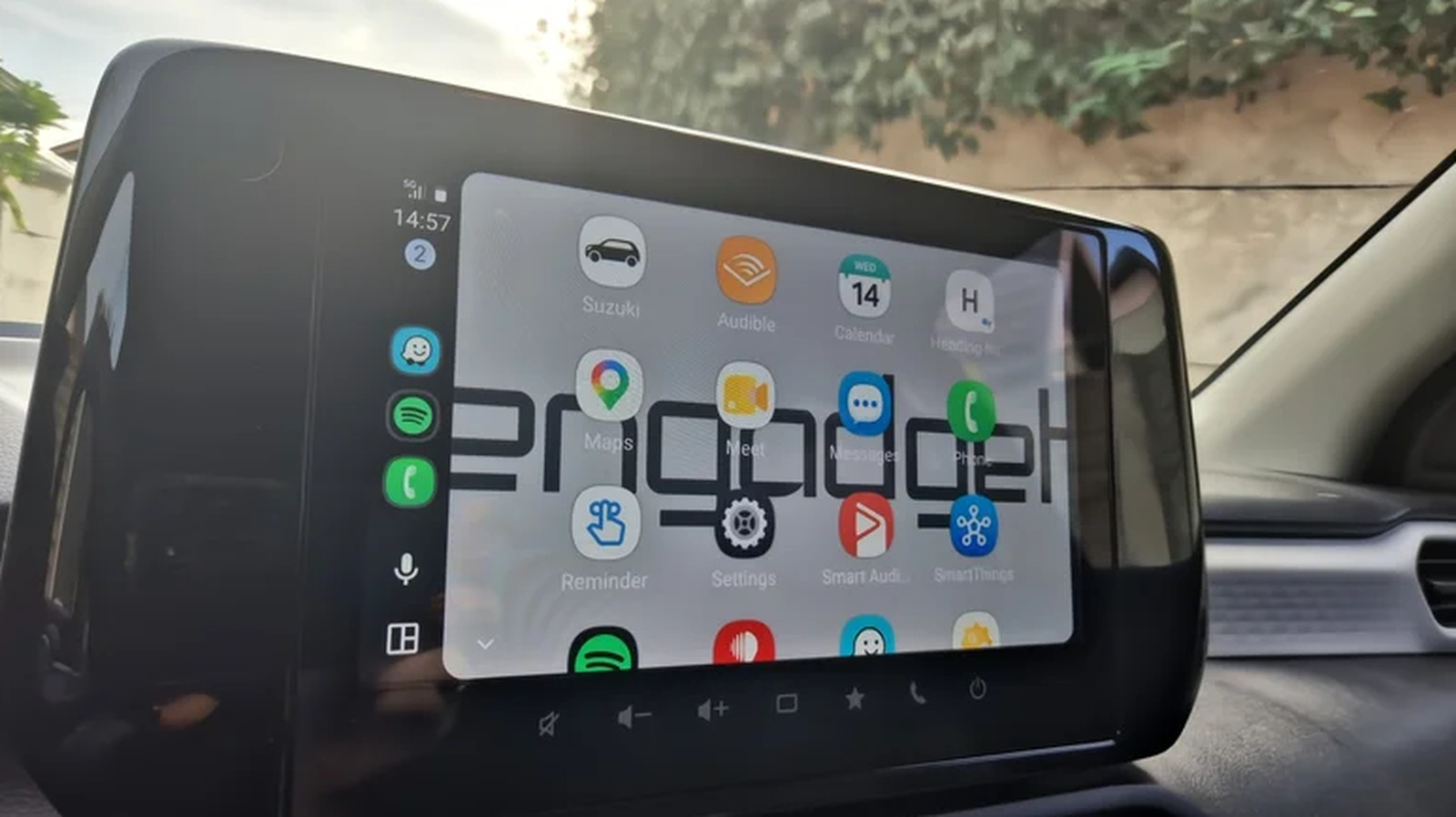
Yes, Android Auto will read out your texts — we all know that. But it can also handle other apps, reading out your messages if you so desire and then letting you use your voice to reply. WhatsApp is the clearest example of this working well, as Android Auto can read your messages aloud. Then, Gemini asks if you want to reply and will type out the words for you. Signal offers similar read-aloud and reply functionality; so do Facebook Messenger, Microsoft Teams and Google Chat, to name a few.
This feature can be super useful when you're driving as you can stay connected without taking your eyes off the road. The ability to reply to messages will also help you stay on top of any emergencies without having to pull over. However, as with any AI typing tool, you should expect some mistakes here and there.
Adding all these apps is straightforward as you only have to install them from the Google Play Store on your phone. Compatible apps will automatically pop up on your Android Auto launcher. You can go into the Android Auto settings and reorganize the apps if you want to make some more easily accessible. Android Auto's compatibility list is wider than most people assume, but the best setup prioritizes the tools that you actually use when you're behind the wheel.