
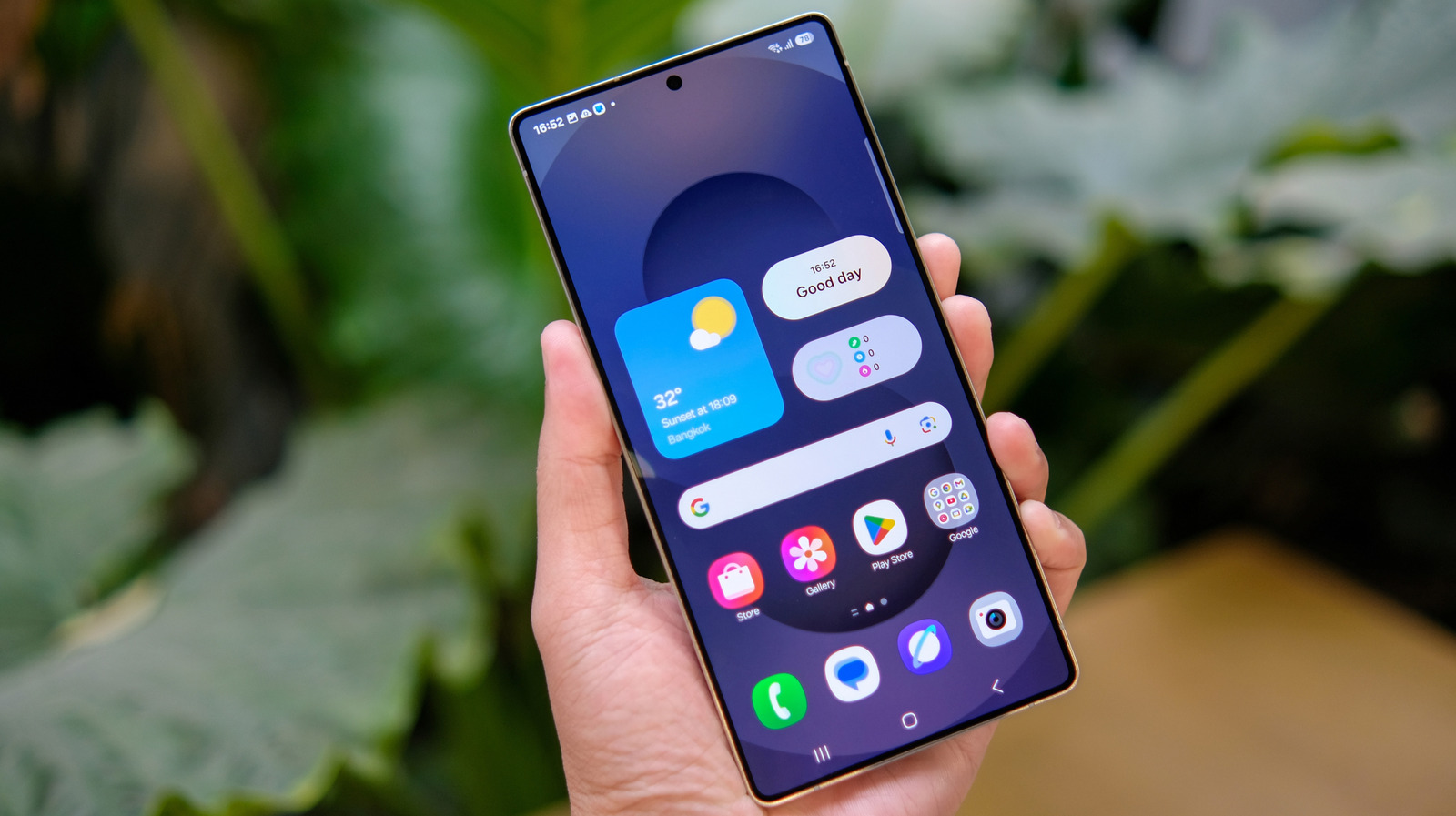
On Android devices without a locked home screen layout, such as Google Pixel phones, you may want to clear your launcher cache instead. Your phone's launcher cache saves all temporary data related to your home screen. If this cache gets bloated, it can make your phone more prone to crashing and cause inconsistent home screen behavior, including frozen icons.
Clearing the launcher cache is similar across Android phones, though the launcher app varies by manufacturer. Head to your phone's settings menu and look through your apps. You're looking for your phone's launcher. Google Pixel uses the Pixel Launcher; Samsung phones use One UI. Select the app and head to its storage settings. You should see an option to clear its cache. After you clear it, you should notice your home screen is more responsive. We also suggest rebooting your phone once you've cleared the cache to ensure it actually gets cleared out. If your phone remains unresponsive, restart your phone in safe mode to see whether a third-party app is causing the problem.