
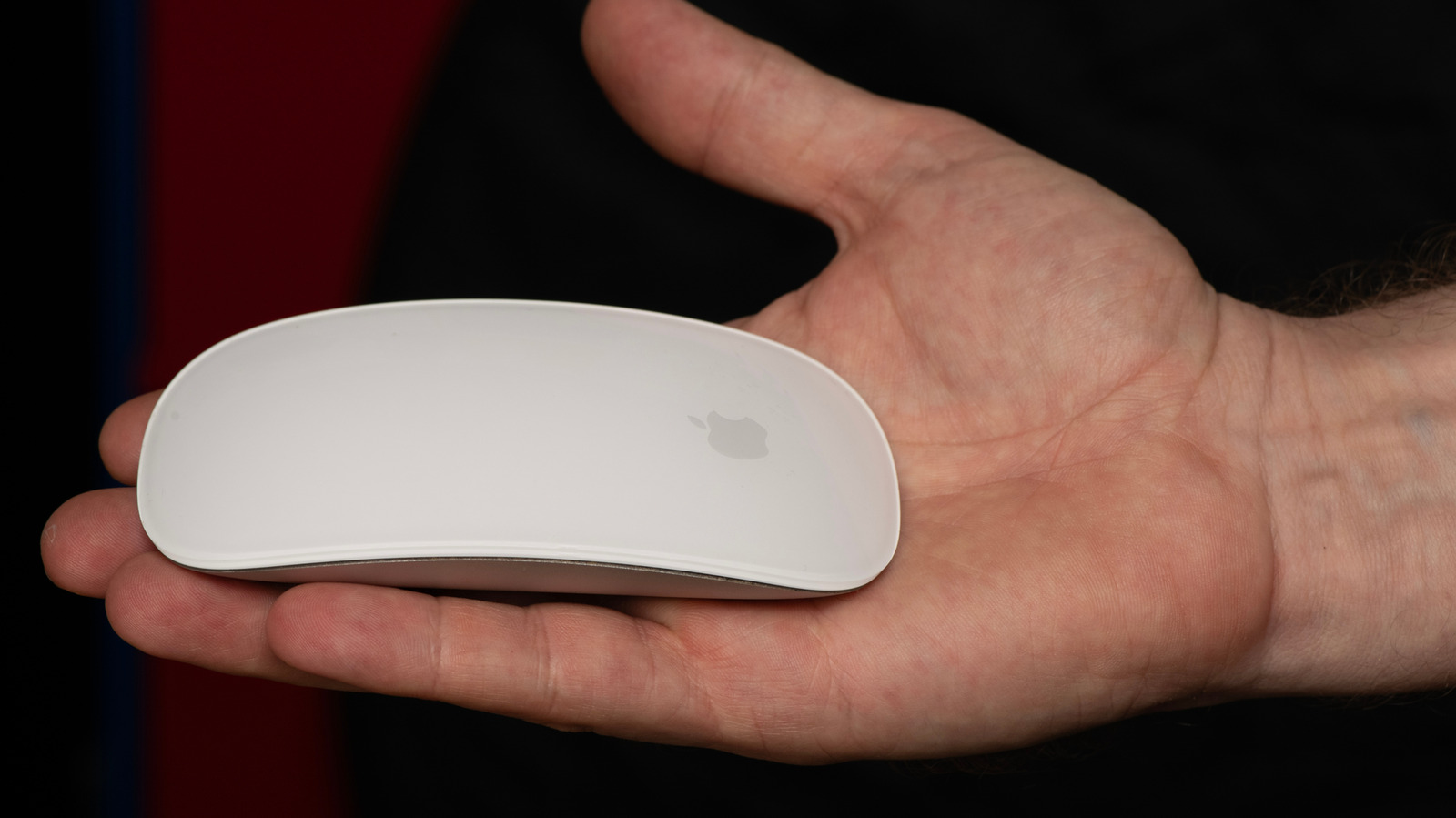
Since Apple is asking $79 for the Magic Mouse in white and $99 for the black version, you'd expect the basic functions. While Apple's mouse supports right-clicking with its touch-sensitive surface, there's no middle-click or a programmable thumb button. Using CAD software is where you miss those buttons the most, since holding the middle mouse button is how you usually pan around drawings. Sure, third-party utilities can add some of the missing functionality, but having to install extra software to bring conventional features to a premium mouse is frustrating to say the least.
You've got to give some credit to the Multi-Touch surface, especially for making scrolling without the usual wheel still feel natural. But do expect accidental swipes like you would on a phone screen since there are no physical controls. Some owners have even faced issues like stuttering and inconsistent tracking. Those could very well be isolated incidents though, and in one case, the lag started right after a macOS update.
The good part is that Apple doesn't force the Magic Mouse down your throat just because you own a Mac. You can use one of the best wireless mice from other brands on macOS, although you would be missing out on gestures that make the Magic Mouse so special. Logitech's Signature M650, for instance, packs a typical scroll wheel and comes equipped with physical side buttons. Costing about half as much as the Magic Mouse at $39.99, the M650 comes with a contoured grip in place of the Magic Mouse's glossy finish.